The best move in your word game, from one screenshot.
Screenshot your game and open it in Rackwise. It checks every legal move and shows you the best ones in seconds, right on your phone.
On your phone · No account · Nothing uploaded
Starting with Rackwise for WF, for Wordfeud. See the apps
How it works
-
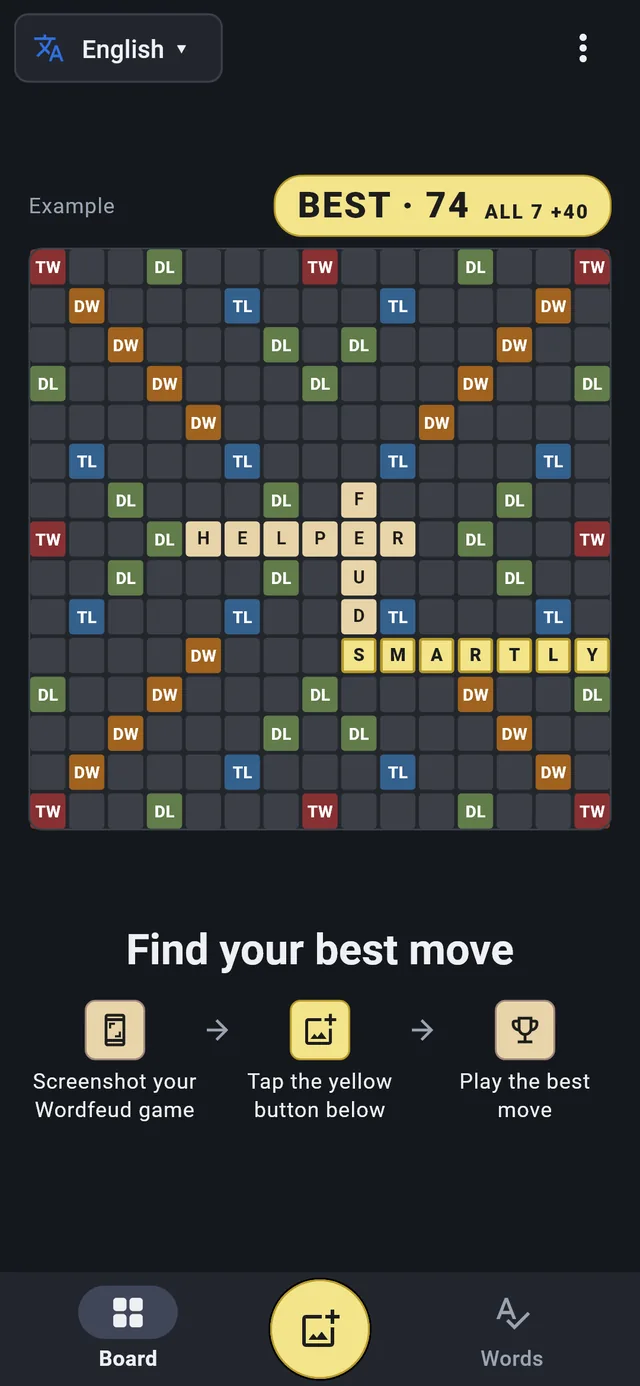
Open your screenshot
When it's your turn, take a screenshot and pick it in Rackwise. The board and your tiles are read on the phone. Nothing is uploaded, and there's no account.
-
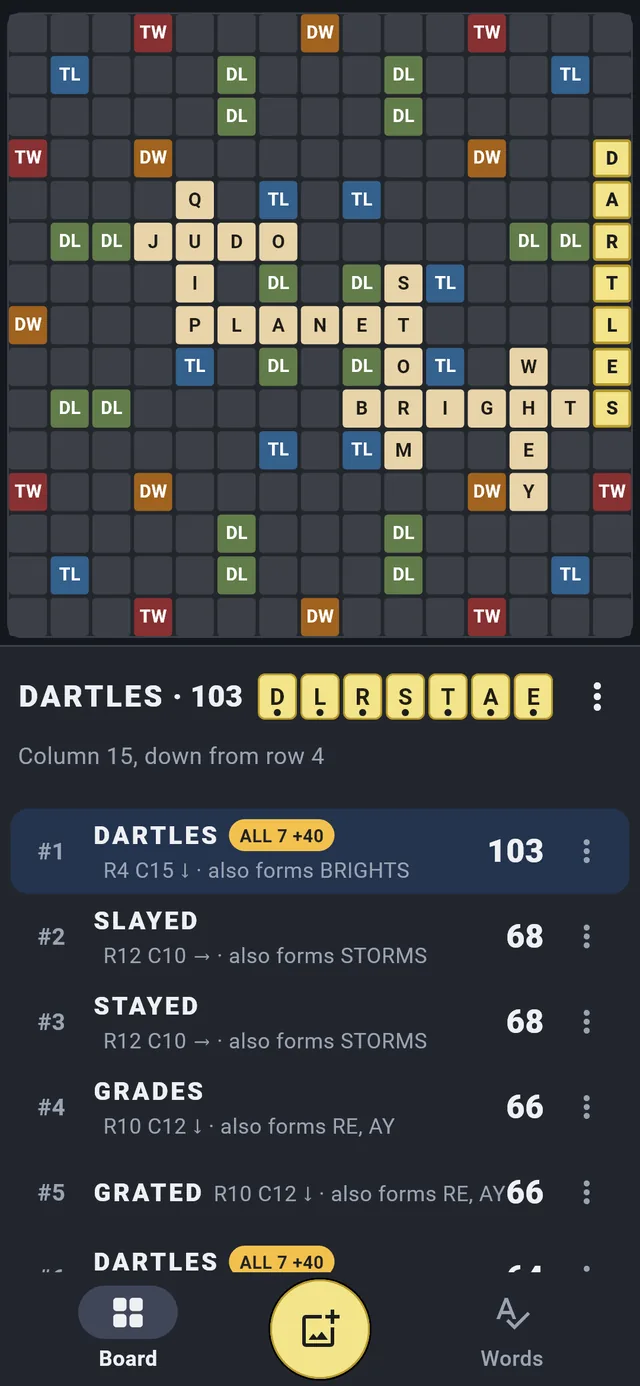
See the best moves
Rackwise checks every legal move and ranks them by score. Tap a move to see where it goes on the board.
-
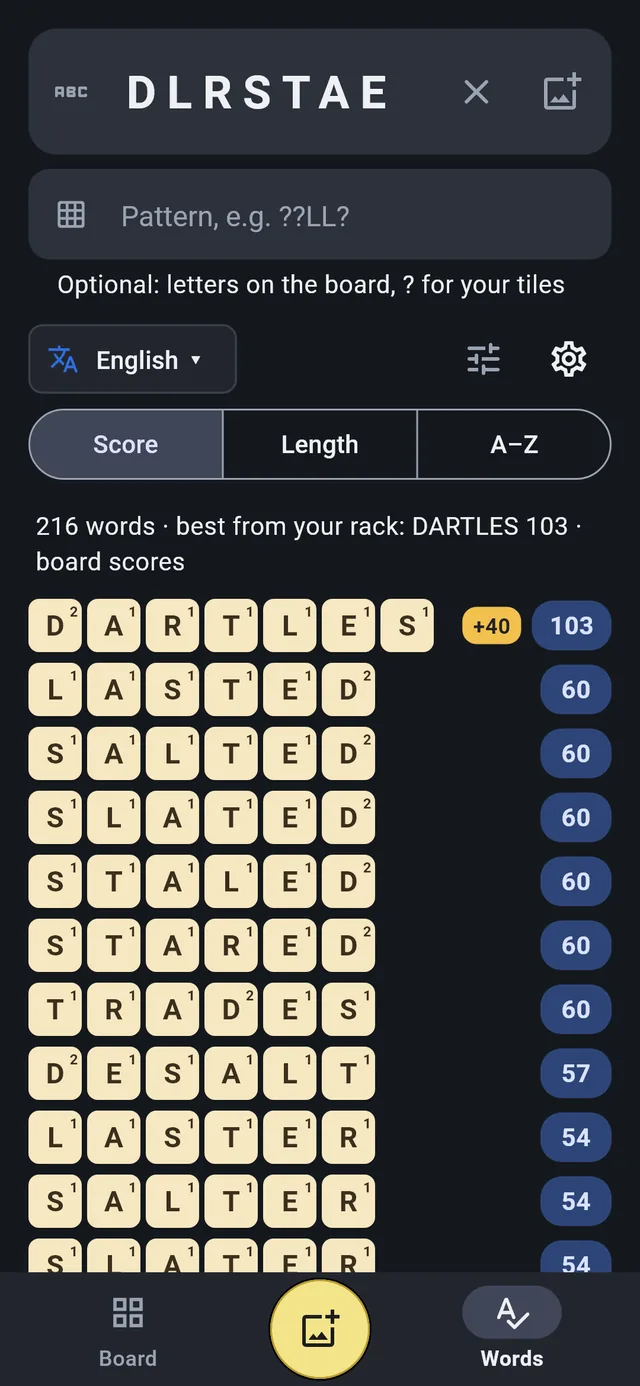
Or search your rack
Type your tiles to find every word you can make, sorted by score, length or A–Z.
In the language you play
Each dictionary comes with its own letter values and word list.
- English
- Norsk
- Svenska
- Dansk
- Deutsch
- Nederlands
- Français
- Español
- Português
One Rackwise for each game
Same engine, same look. Each app knows its own board, letter values and word lists.
Rackwise for WF
For Wordfeud screenshots. Android first.
Rackwise for WWF
For Words With Friends screenshots. Next in line.
Start free
Upgrade for the full list.
Free
0 kr
- 3 screenshots a day
- The top 3 moves
Rackwise Pro
- Unlimited screenshots
- The full ranked list (top 30 moves)
- Endgame help: when the bag is empty, see which move uses all your tiles and what it wins you
Google Play shows the price in your currency.